

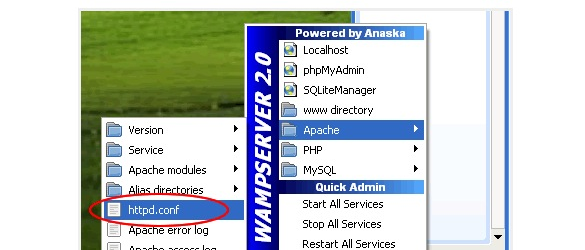
If you’re using WAMP for your local development, here’s how to setup virtual hosts. This comes in handy when you’re dealing with frameworks like Zend or Joomla and setting up a WAMP alias won’t do. Keep in mind I’m doing this in Windows XP and WAMP 2.0 so file locations may vary.
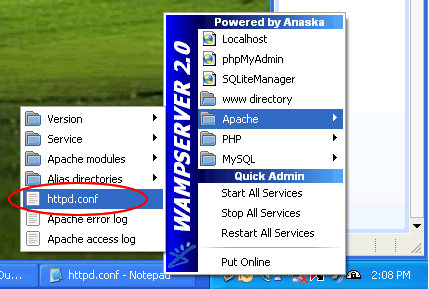
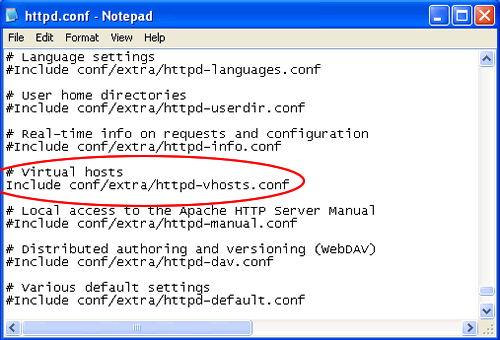
- Open C:\wamp\bin\apache\Apache2.2.11\conf\httpd.conf and uncomment the virtual hosts include and save:
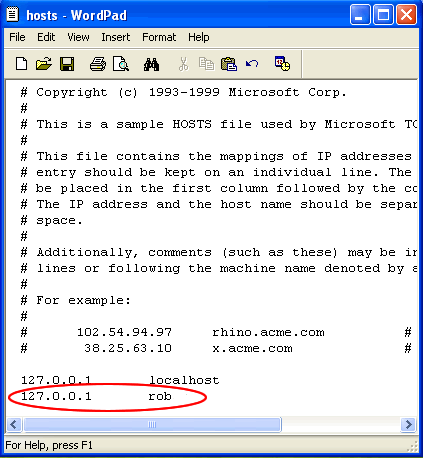
- Open your windows host file, C:\WINDOWS\system32\drivers\etc\hosts , and add the name you want to use for your virtual host.
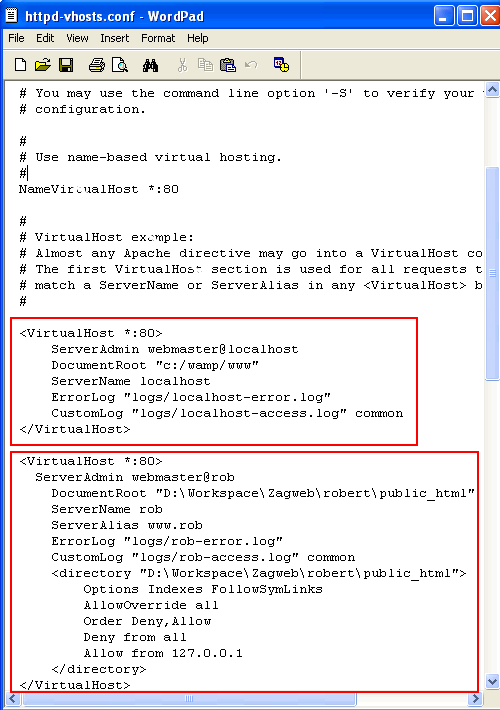
- Open C:\wamp\bin\apache\Apache2.2.11\conf\extra\httpd-vhosts.conf and add your “VirtualHost” blocks similar to what I’ve done below. I also added a VirtualHost block for “localhost” so that I could continue to see the WAMP menu from “http://localhost/”. Out of laziness, I coppied the directory paths straight from Windows Explorer so that’s why you’re seeing a mix case of forward and back slashes in my paths but it doesn’t seem to hurt it. Don’t worry if the error log files don’t exist. Apache will create them.
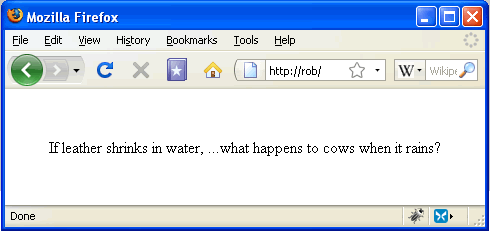
- Restart WAMP and you should now be able to access your site via the virtual host. Since I didn’t setup “www.rob 127.0.0.1″ in my host file I can’t access it via http://www.rob/ but via http://rob/.
Lastly, be careful using your computer name as a virtual host name. You may get unexpected results.
Note: Copy content from: http://cesaric.com/?p=255
No comments:
Post a Comment